Flow · AI product video ads
Your product.
A real person.
An ad people watch.
Upload product photos and say what it is. Flow asks what it needs, proposes the message, the story and the actor, shows you every first frame, and cuts a 15–45 second ad with voice, captions and an end card — vertical, landscape and square.
Writing steps are free · keyframes $0.03 · video $0.01 per second · a 20-second ad is about $0.50
“Lucky Bamboo” · 20 s lifestyle video · one photo and one sentence · $0.52
Made with Flow
Two products, two kinds of ad
A potted plant from one phone photo, as a lifestyle video. A gadget from CAD renders and screenshots, as a product ad.
How it works
Seven steps. Every choice is yours.
At every creative step Flow puts a few finished proposals in front of you: pick one, write your own, or say what to change.
01
Product
A few words and one or more photos. Flow looks at every image, works out what each one shows, and asks only what it still needs: real size, how it's used, which side faces you.
02
Purpose & style
Sell now, lifestyle recommendation, launch or demo. Skit or lifestyle showcase, an actor, only hands or nobody, dialogue or voice-over.
03
Message
Key features and taglines proposed for you. Pick one, write your own, or ask for more.
04
Story & actor
Three stories that fit your choices, and an AI actor with their own voice — or your own photo and voice.
05
Script
Every shot with its spoken line and on-screen text, your real images as inserts, an end card. Edit anything; the cost is shown before anything is made.
06
Keyframes
The first frame of every shot, for you to check: the product's shape, colour, which side faces the camera, its size in the hand. Approve, add a note, or try another model.
07
Clips & cut
MiniMax H3 clips with voices from your approved frames, then the cut: captions, headlines, end card, in 9:16, 16:9 and 1:1.
Why it works
What a template can't do
A person holding your product
Not a template and not a render: an actor picks it up, uses it and talks about it in a real-looking place — the shot that sells in a feed.
You approve every first frame
Products are all different, so nothing is left to luck. Each shot starts from a keyframe you checked; a correction in your own words is one click.
Your real images stay real
Screens, labels, packaging and close-ups go in exactly as you uploaded them, as inserts. Generated text never stands in for your product.
Keyframes
Check the first frame, then make it move
The lucky bamboo ad's three keyframes, approved before any video was made.


Actors
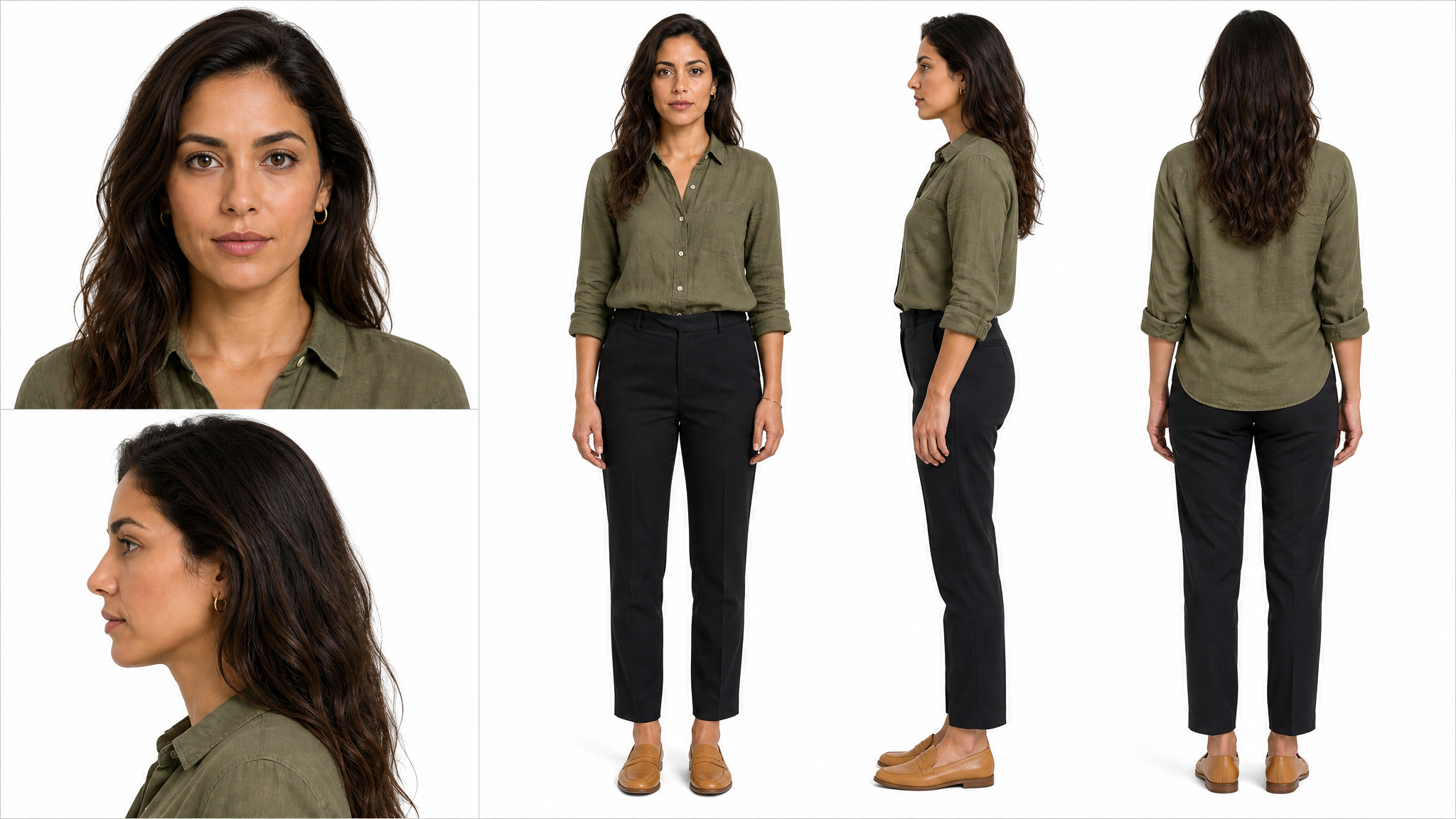
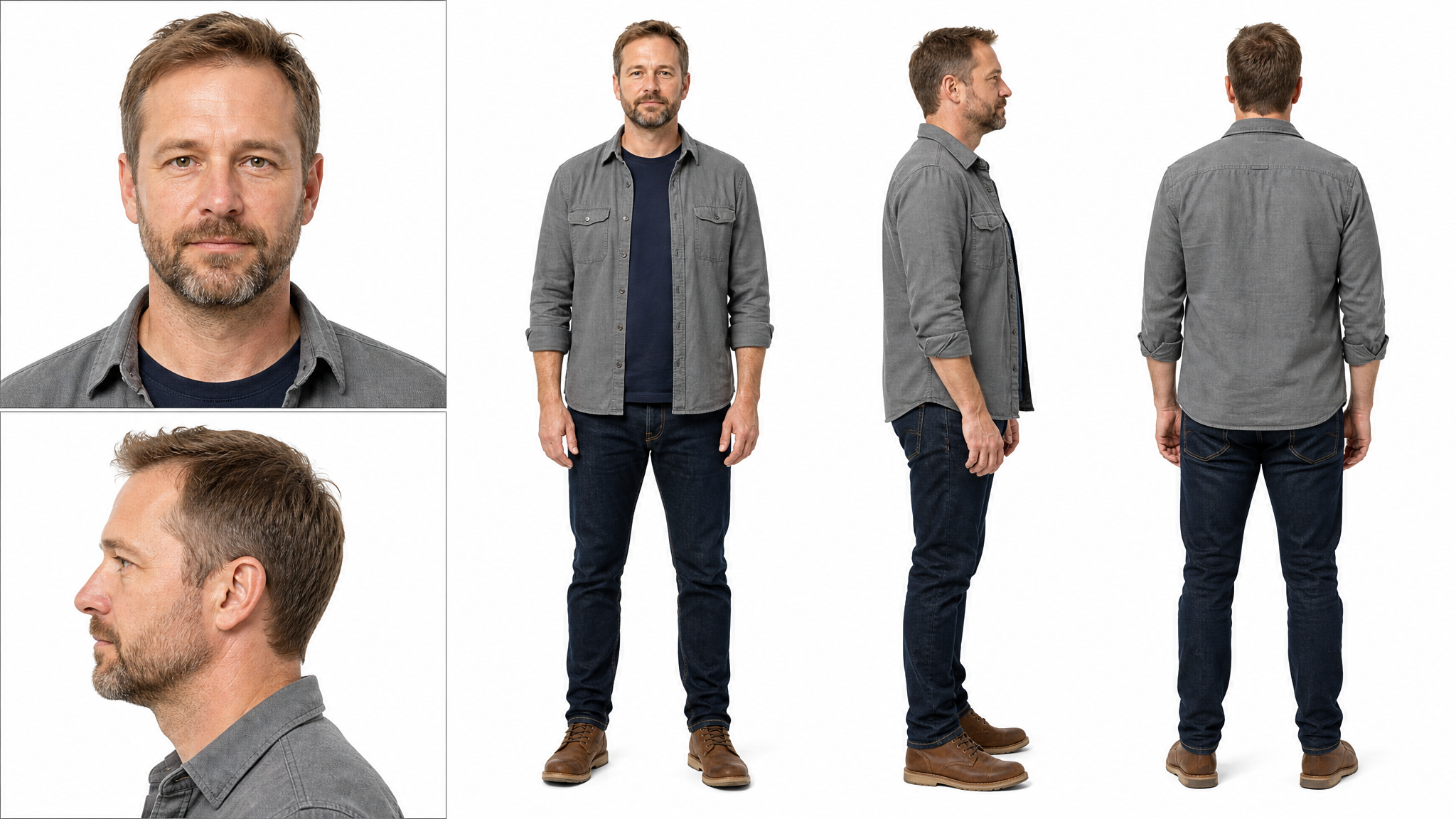
Six AI actors, each with their own voice
AI-generated people, so there is no likeness to clear. Each one looks and sounds the same in every ad, in English, Chinese and Japanese. Or use your own photo and voice.




For developers
Prefer your coding agent?
The same workflow is an open-source agent skill for Claude Code, Codex and other SKILL.md agents: the agent interviews you, renders through the okaypic API and cuts the ad locally.
Questions
What do I need to make an ad?
+
A sentence about your product and one or more photos of it. Flow looks at the photos, works out what each one shows and asks only what it still needs — the real size, how it's used, what the video is for. No brief, deck or website needed.
What does an ad cost?
+
Writing steps are free. Keyframes cost $0.03 each and video $0.01 per second at 768p. A 20-second ad with three keyframes and two takes per clip is about $0.50; the cost is shown before anything is generated.
Does it have to be a sales ad?
+
No. You choose the purpose first: sell now (price and call to action), a lifestyle recommendation that shows the product in everyday life, a launch, or a how-to demo. The message, story and end card follow that choice.
Who is the person in the video?
+
One of six AI-generated actors, each with a fixed voice in English, Chinese and Japanese, so there is no likeness to clear. You can also use your own photo and voice recording, of yourself or someone who agreed.
Will my product look right?
+
Every shot starts from a keyframe you approve. You check the product's shape, colour, which side faces the camera and its size in the hand, and can ask for a new try with a note in your own words or switch the image model. Screens, labels and packaging go in as your own images, never generated.
Which formats do I get?
+
The ad is made in your main format (9:16 vertical for TikTok, Reels and Shorts, 16:9 or 1:1) and exported in all three, with captions, headlines and an end card.
Can my coding agent do this?
+
Yes: okaypic-ads-skill is an open-source skill for Claude Code, Codex and other SKILL.md agents with the same workflow through the okaypic API.